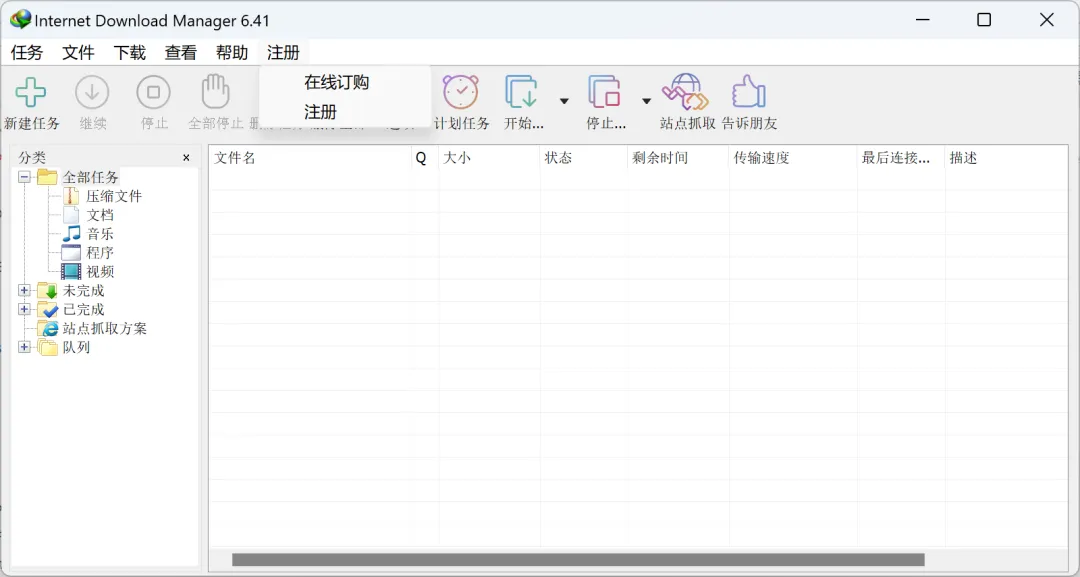
Windows系统下载神器IDM长期使用技巧
IDM是一款Windows平台的老牌而功能强大的下载加速器,由国外大神制作。它支持多媒体下载、自动捕获链接、自动识别文件名、静默下载、批量下载、计划下载任务、站点抓取、队列等功能,并且支持HTTP、FTP、HTTPS和MMS等协议。
IDM的下载速度非常快,能够将下载速度提高多达5倍。它还具有智能下载逻辑加速器,可智能处理下载请求,以便更快地下载文件。此外,IDM还可以与浏览器集成,方便用户下载文件。
总的来说,IDM是一款强大而实用的下载工具,适用于需要下载大量文件的情况。
GitHub上一位大佬写的powershell脚本,通过修改注册表的方式,直接完美解锁IDM
https://github.com/lstprjct/IDM-Activation-Script
IDM官网:
https://www.internetdownloadmanager.com/
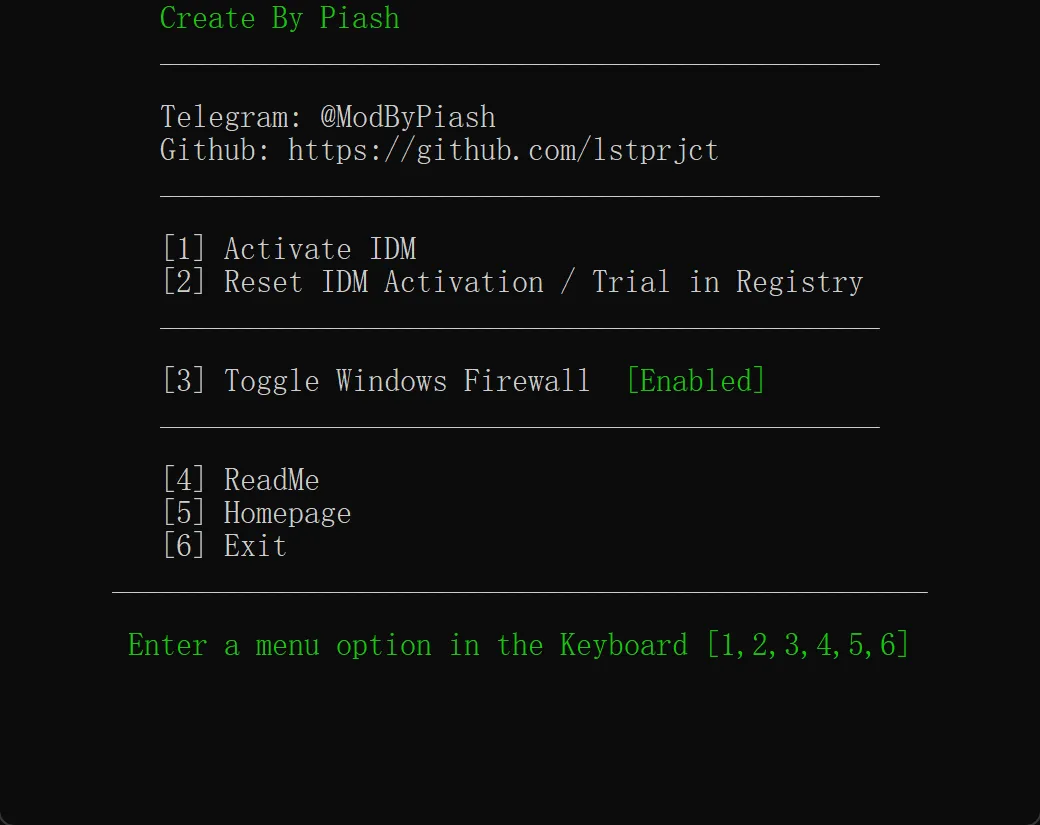
复制脚本,打开powershell粘贴运行:
# Enable TLSv1.2 for compatibility with older clients
[System.Net.ServicePointManager]::SecurityProtocol = [System.Net.ServicePointManager]::SecurityProtocol -bor [System.Net.SecurityProtocolType]::Tls12

$DownloadURL = 'https://raw.githubusercontent.com/lstprjct/IDM-Activation-Script/main/IAS_0.8.cmd'

$FilePath = "$env:TEMP\IAS.cmd"

try {
    Invoke-WebRequest -Uri $DownloadURL -UseBasicParsing -OutFile $FilePath
} catch {
    Write-Error $_
	Return
}

if (Test-Path $FilePath) {
    Start-Process $FilePath -Wait
    $item = Get-Item -LiteralPath $FilePath
    $item.Delete()
}
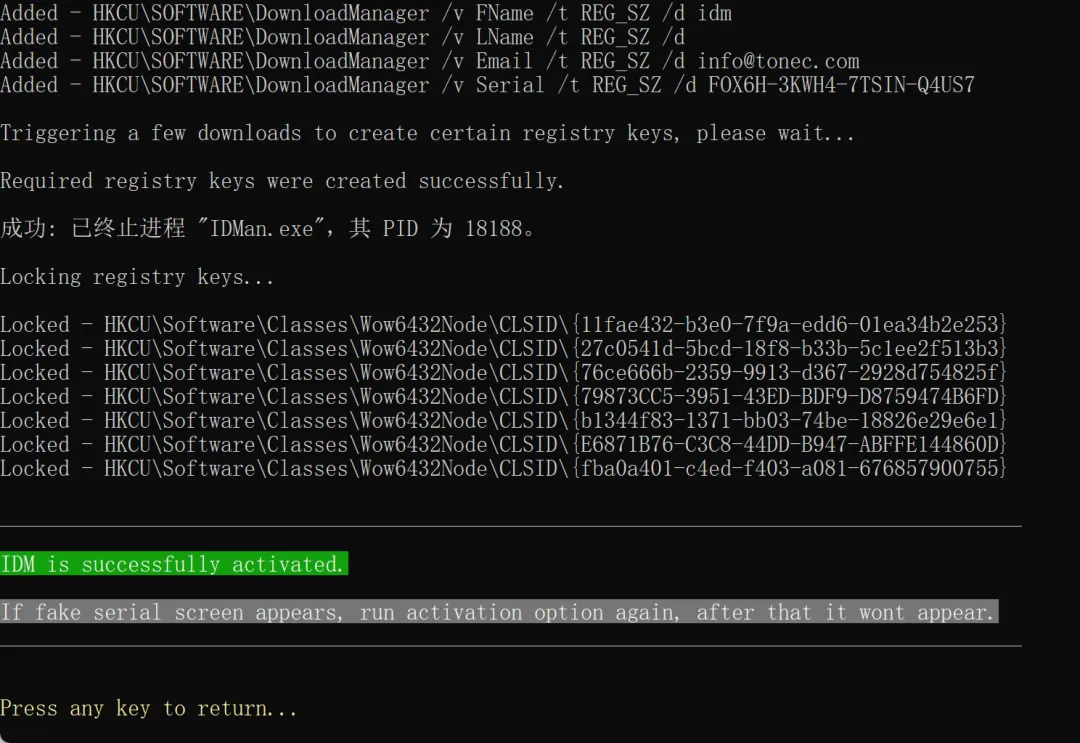
最后提示激活成功!
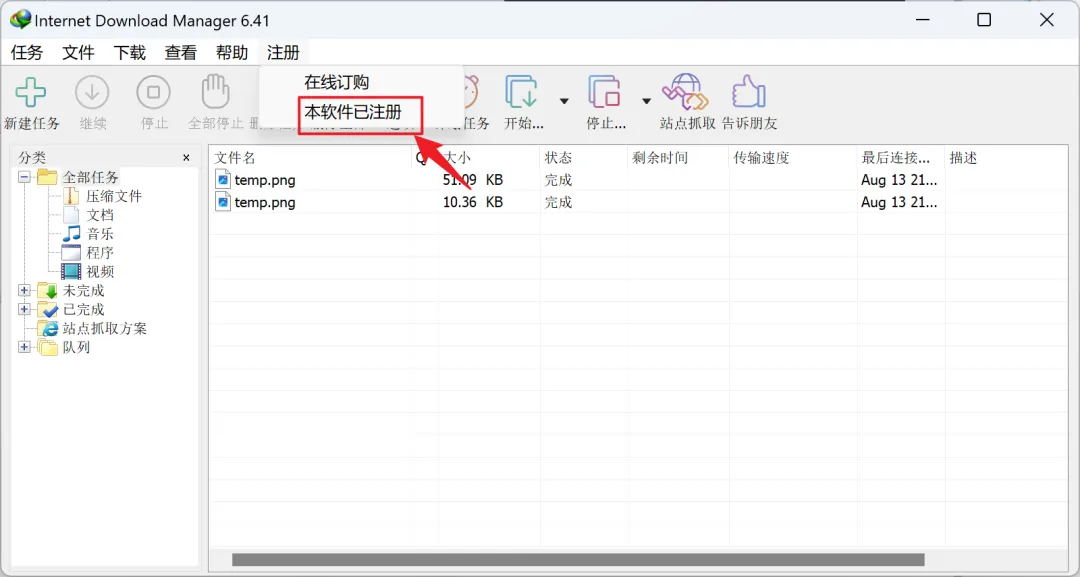
打开IDM,显示本软件已注册。