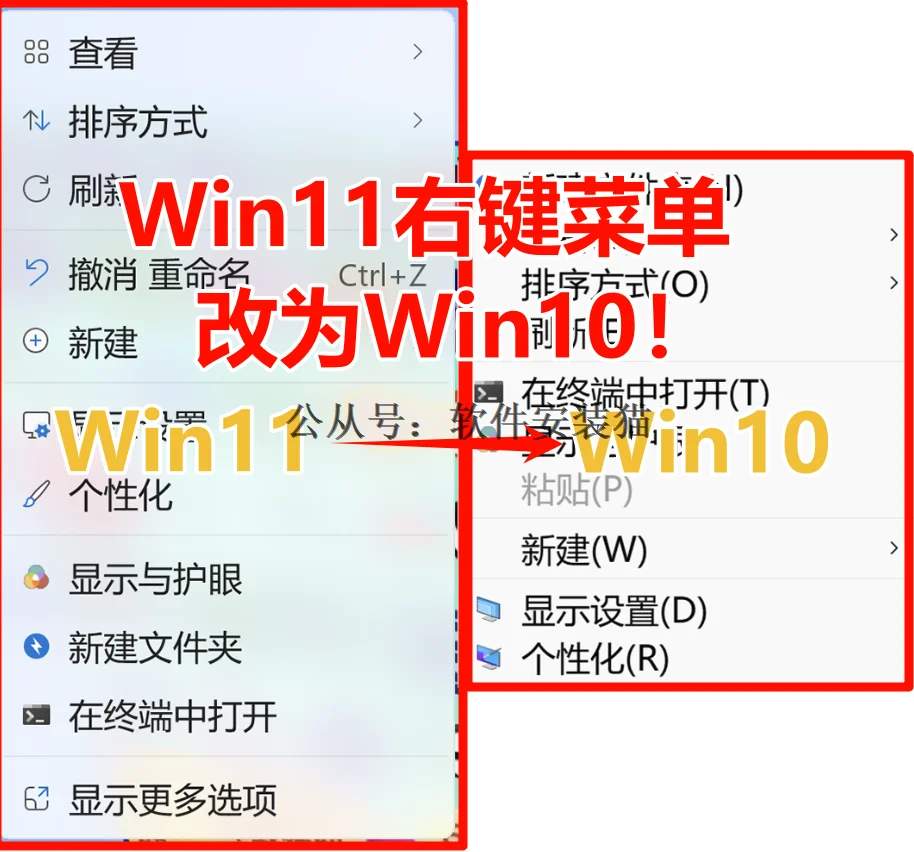
Windows11右键改为Windows10

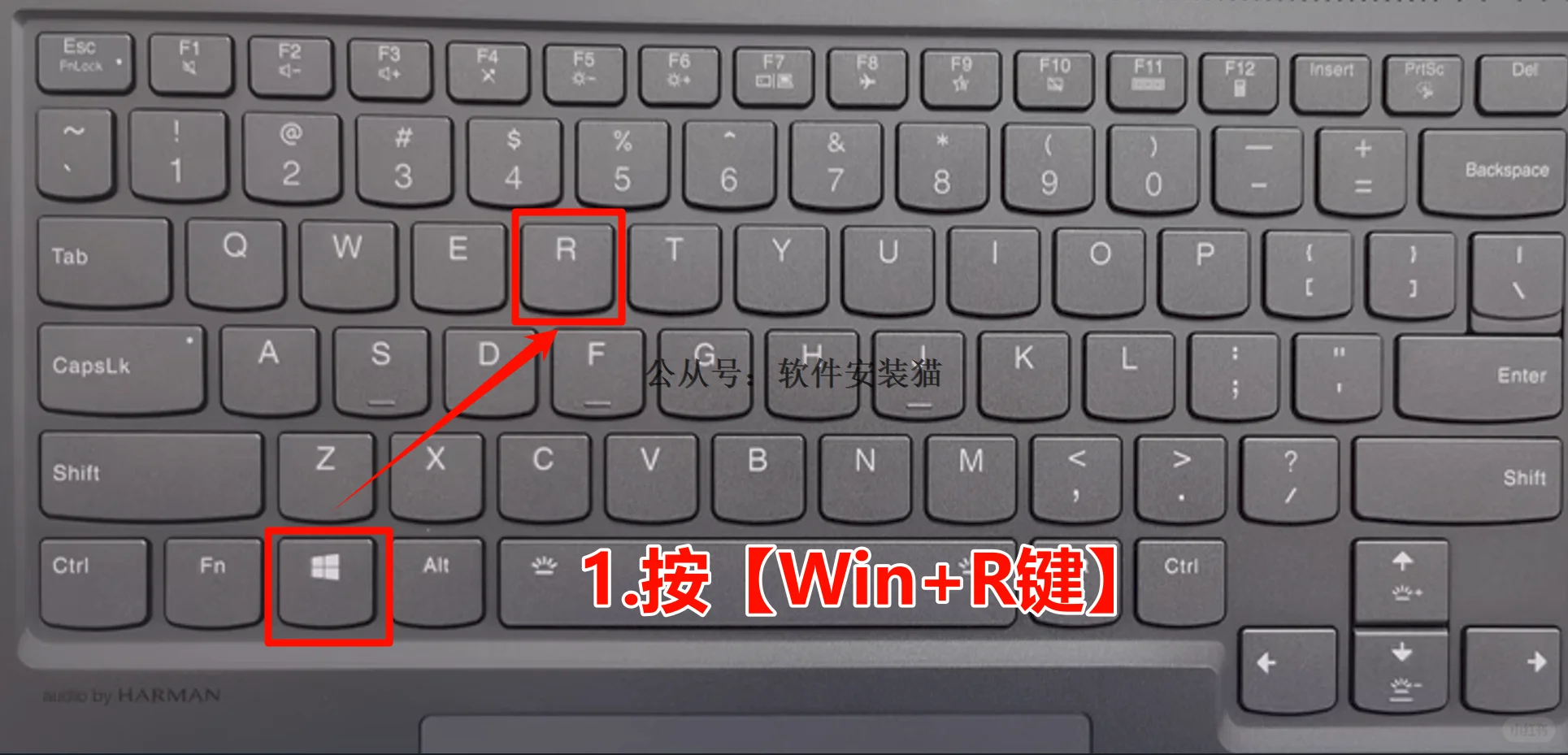
1.按【Win+X键】
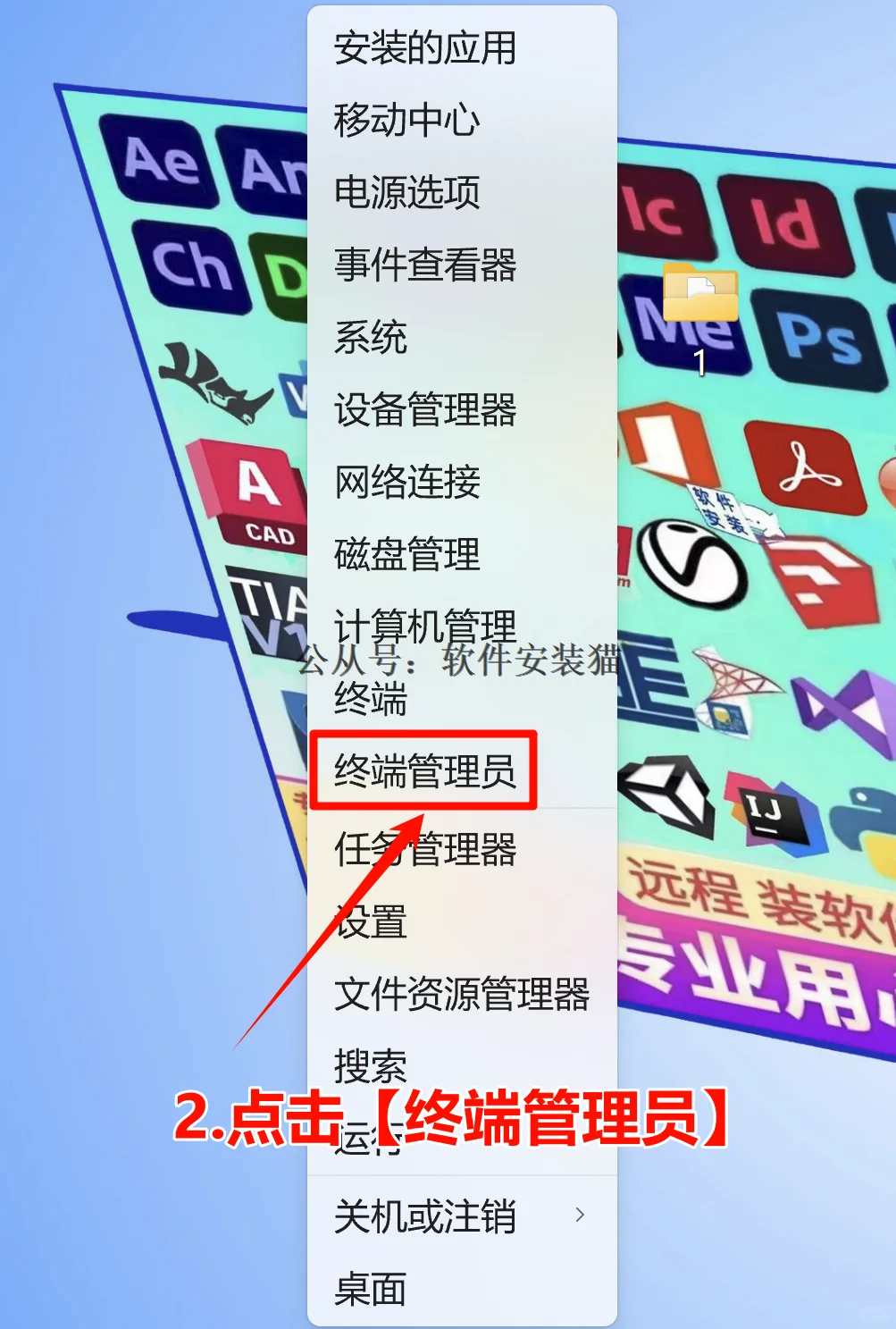
2.点击【终端管理员】
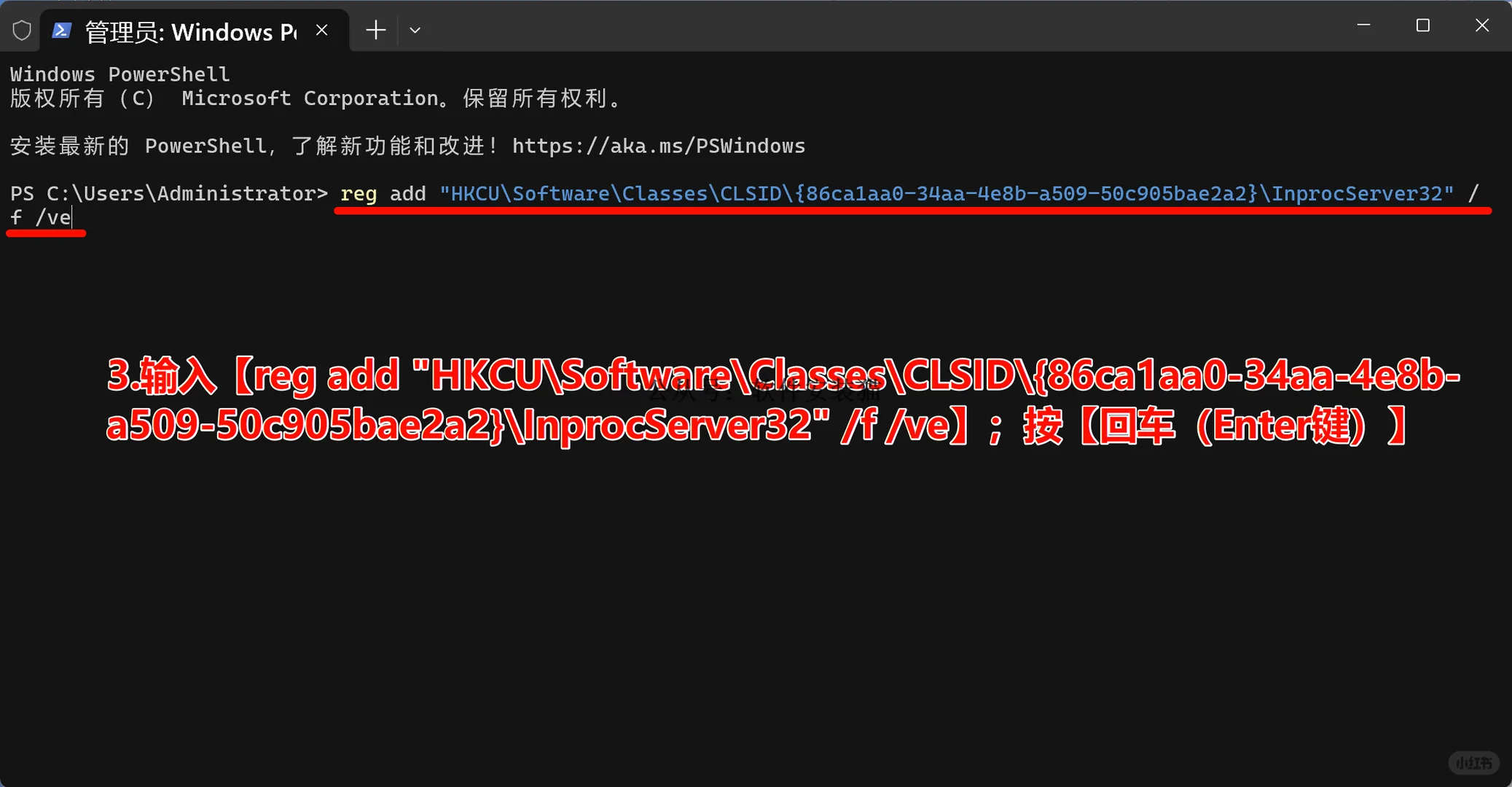
3.输入【reg add \”HKCU\\Software\\Classes\\CLSID\\{86ca1aa0-34aa-4e8b-a509-50c905bae2a2}\\InprocServer32\” /f /ve】;按【回车(Enter键)】
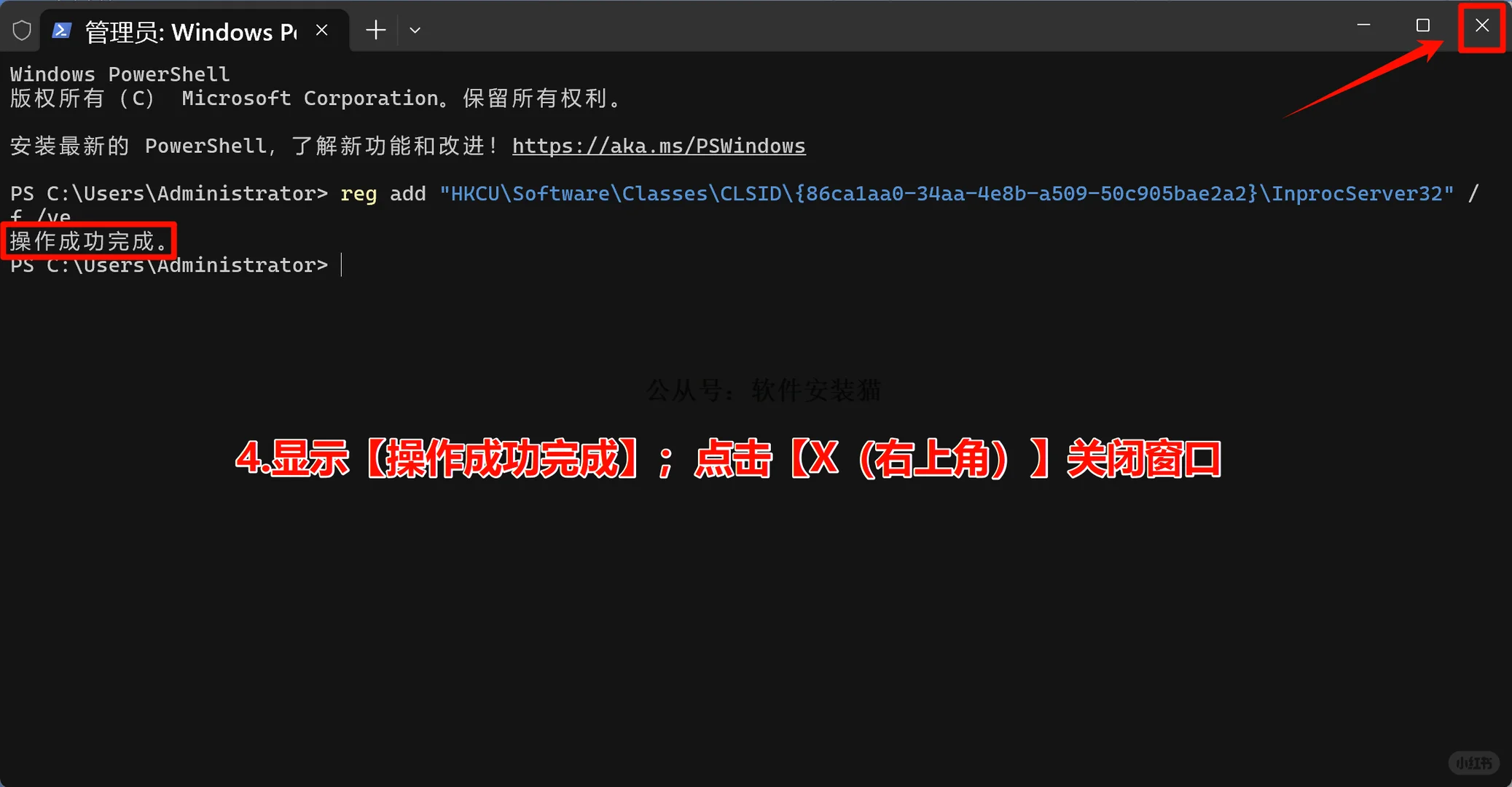
4.显示【操作成功完成】;关闭窗口
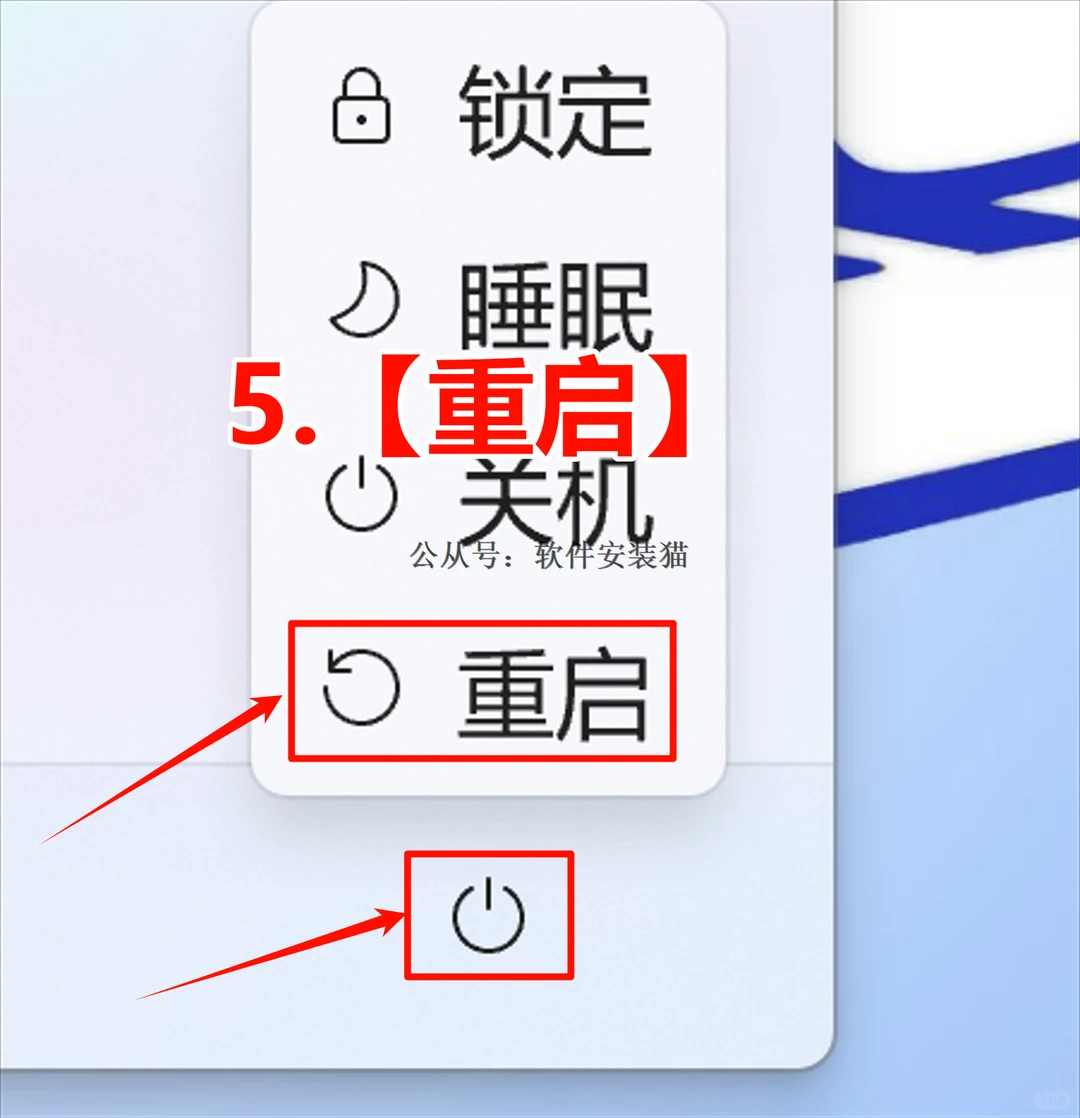
5.重启
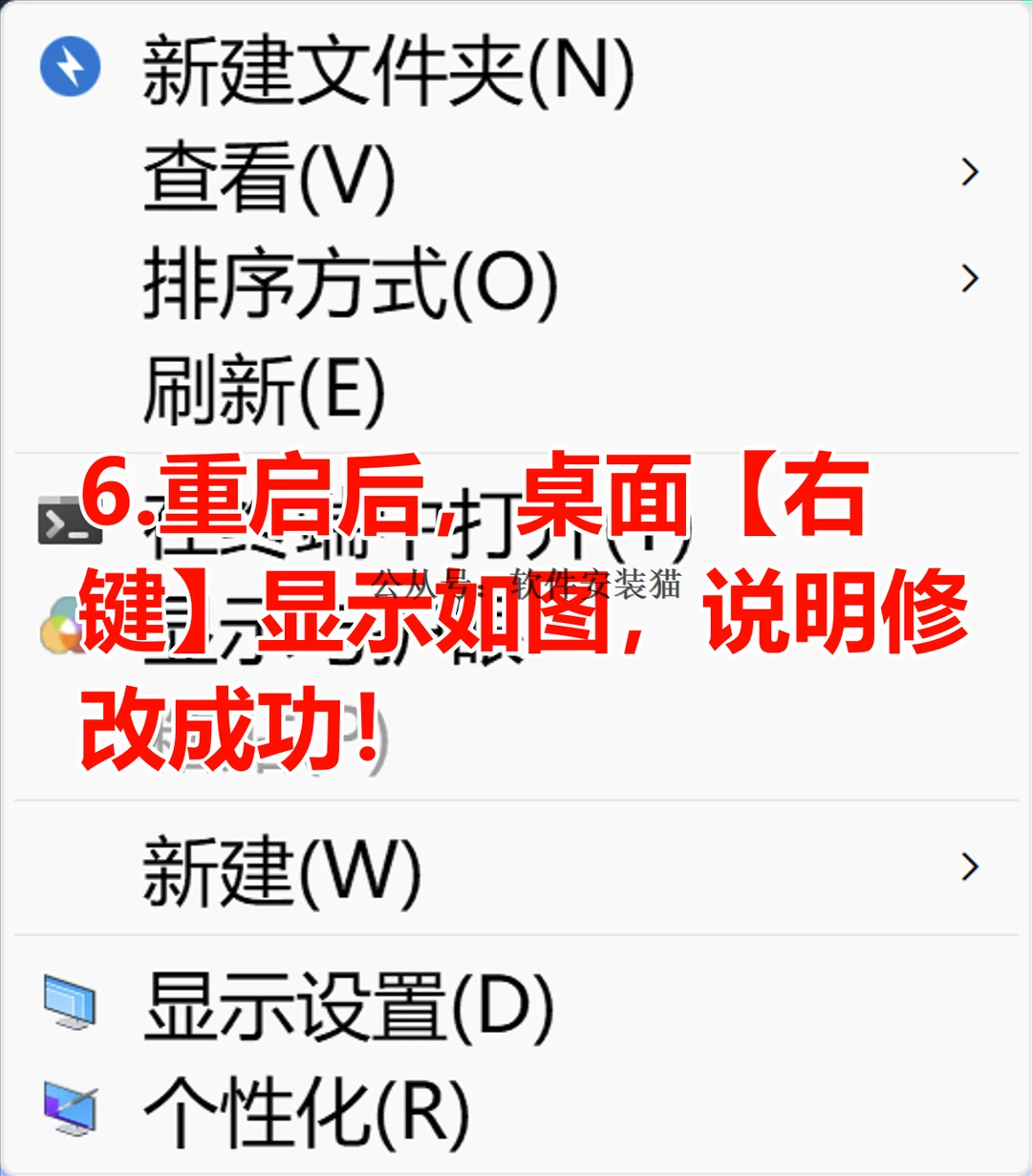
6.重启后,桌面【右键】显示如图,说明修改成功! #windows11改右键菜单 #win11右键菜单 #Win11系统右键菜单更改 #win11系统右键菜单显示全部选项 #win11系统右键菜显示更多选项
2.点击【终端管理员】
3.输入【reg add \”HKCU\\Software\\Classes\\CLSID\\{86ca1aa0-34aa-4e8b-a509-50c905bae2a2}\\InprocServer32\” /f /ve】;按【回车(Enter键)】
4.显示【操作成功完成】;关闭窗口
5.重启
6.重启后,桌面【右键】显示如图,说明修改成功! #windows11改右键菜单 #win11右键菜单 #Win11系统右键菜单更改 #win11系统右键菜单显示全部选项 #win11系统右键菜显示更多选项